New Launcher Aims to Simplify Cockpit Installations
11. Mar 2026 | Douglas DeMaio | CC-BY-SA-3.0
Members of the openSUSE community are tackling the complex undertaking of transitioning from YaST by developing a streamlined system management interface.
After some adjustments and community feedback in the openSUSE bar, members took an existing tool to roll out a launcher for openSUSE users that provides a web-based system administration interface, more accessible to users switching from the traditional YaST setup utility.
The cockpit-client launcher, addresses a barrier that has frustrated some users attempting to adopt Cockpit as a replacement for YaST. According to feedback on the openSUSE forums, the process has been neither simple nor straightforward, until now.
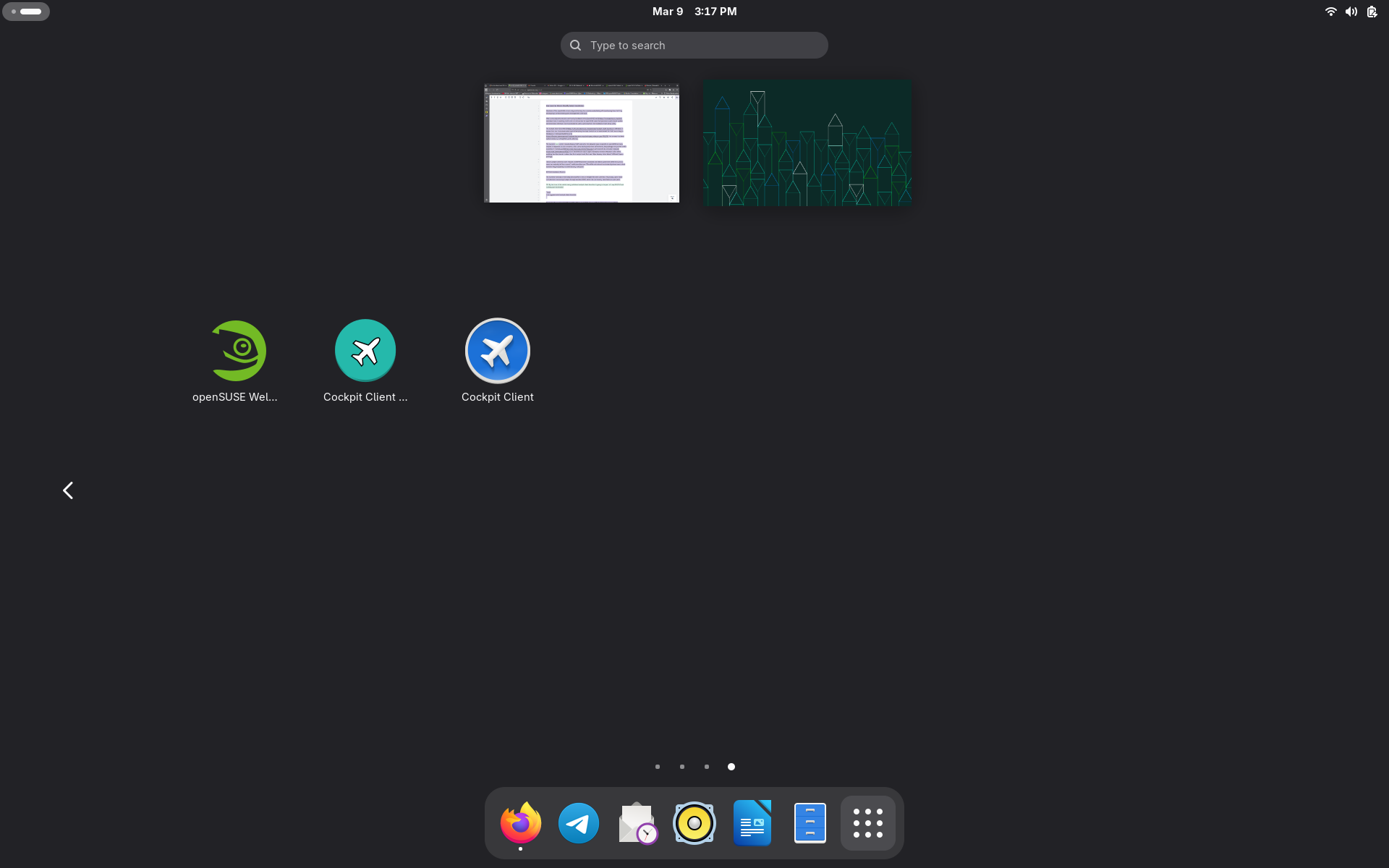
The launcher icon, which includes legacy YaST colors for the adjusted logo, is specific to openSUSE and was created in response to user concerns. After some testing and minor refinements, the package was pushed and is available on Tumbleweed and Leap as an Official package.
“Since Cockpit-client has both Flatpak and RPM launchers available, we need to give them different icons so users can actually tell them apart,” said Lubos Kocman. “The different colored icon instantly shows users which launcher they’re opening to eliminate any confusion.”
The Installation Process
The launcher reduces a multi-step process that is now a straight-forward workflow. Previously, users faced complications accessing Cockpit through localhost:9090, which the community identified as a pain point.
sudo zypper install cockpit-client-launcher
Users are also recommended to install patterns-cockpit to ensure all Cockpit modules are available:
sudo zypper install -t pattern cockpit
Finally, users launch the application from their desktop environment’s application menu and follow initial setup dialogs. The launcher automatically activates necessary systemd services and firewall settings.
To align with security requirements, user will be asked whether to enable cockpit.socket and for preferred firewalld configuration in case cockpit wasn’t previously enabled and running.
It was tested on both Tumbleweed and Leap 16 installations and testing confirms the package successfully integrates across different openSUSE flavors, versions and installation scenarios.
A demonstration video created by Low Tech Linux showcases the installation and setup process on both Tumbleweed and Leap 16.
The Cockpit web interface provides graphical access to system administration functions that are traditionally handled through command-line tools or YaST, which include package management, user administration, service control, and more.